
It does not matter whether your content is good, you have strong backlinks, and you did thorough research about keywords, but your site loading time or user experience can drive away visitors.
This is why website experience has become an integral part of SEO nowadays.
When a user opens your website, he/she expects the page to load fast enough, react to his/her clicks, and stay stable during the process of reading. When the page is too slow or buttons become unresponsive, then a visitor will leave without finding the necessary information.
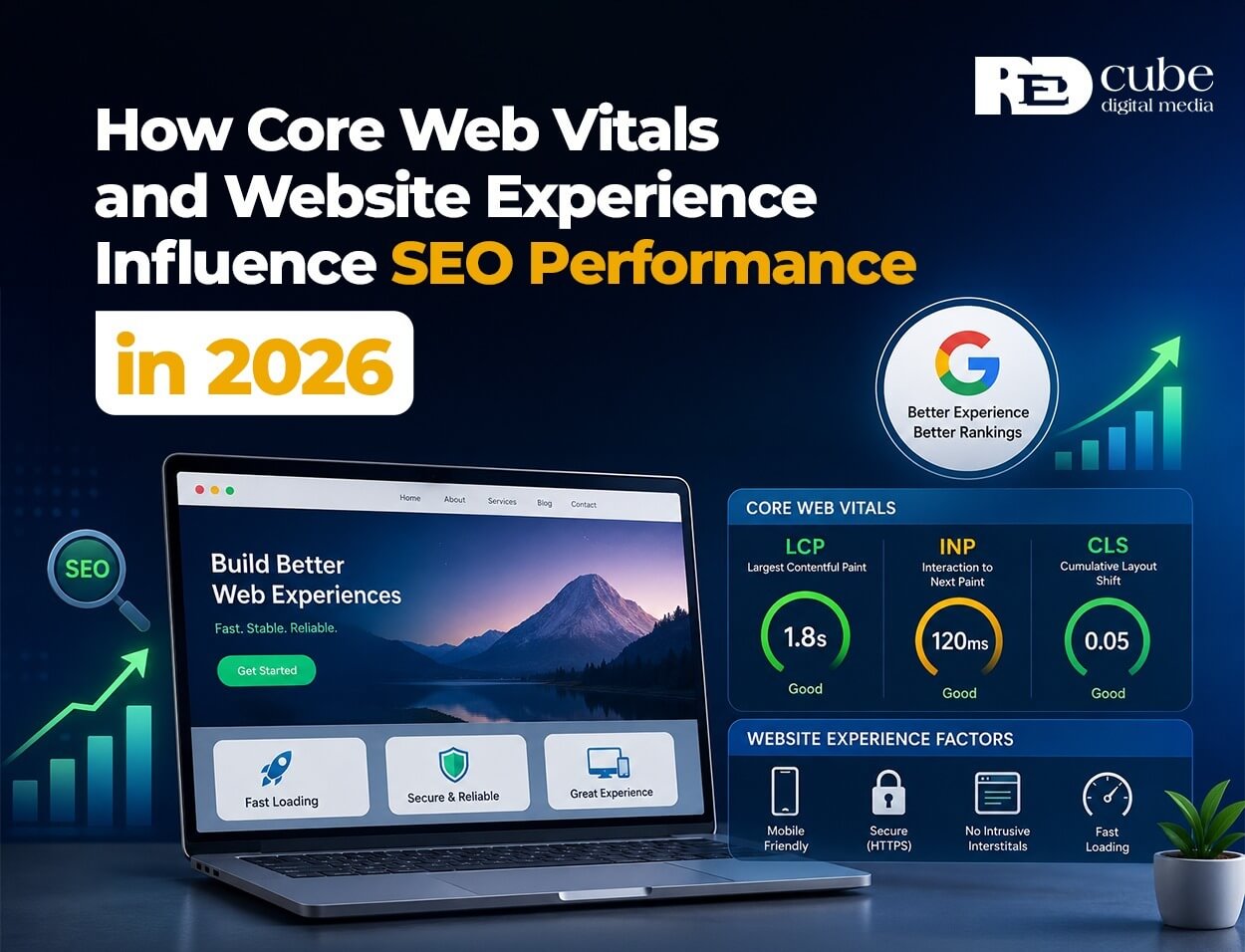
There are several factors which Google tracks within Core Web Vitals.
For businesses, knowing the metrics described above is helpful since they can help you understand some technical issues that influence your website’s performance.
But it is necessary to draw a line somewhere. Positive Core Web Vitals don’t mean that your website will be ranked higher. There are many factors that determine the rankings, and relevance of the content is one of them.
Thus, what should you pay attention to in 2026?
What Are Core Web Vitals?
Core Web Vitals are a set of metrics designed to measure important aspects of the user experience on a webpage.
The current metrics are:
- LCP – Largest Contentful Paint
- INP – Interaction to Next Paint
- CLS – Cumulative Layout Shift
Each metric measures something different.
LCP measures loading performance.
LCP measures how quickly the largest visible content element appears on the screen.
Google considers an LCP of 2.5 seconds or less a good result.
If your main headline, product image, or large content section takes too long to appear, your LCP can suffer.
INP measures responsiveness
INP looks at how quickly your website responds when a visitor interacts with it.
A good INP is 200 milliseconds or less.
For example, if someone clicks a menu, filter, button, or form field and the website takes noticeably long to respond, there may be an interaction problem.
CLS measures visual stability
CLS measures unexpected movement of page elements while the page loads.
A good CLS score is 0.1 or less. You have probably experienced this yourself. You start reading an article and suddenly the content moves because an image or advertisement has loaded.
Core Web Vitals give you measurable ways to identify these issues. Google provides the official thresholds and methodology through its web performance documentation.
Why Website Experience Matters for SEO
Google aims to show users useful and relevant results. Website experience is one factor considered in this process.
Google’s page experience guidance includes Core Web Vitals, mobile usability, secure browsing, and avoiding intrusive interstitials. However, excellent Core Web Vitals alone do not guarantee higher rankings.
For example, a slightly slower website with better and more relevant content can still perform better than a faster website that does not answer the user’s question.
Your Technical SEO and content strategy should therefore work together.
Core Web Vitals and Mobile Websites
Mobile performance should be taken into account.
Google has been using mobile-first indexing for most of the webpages for years now. It implies that Google mostly uses the mobile version of your webpage to crawl and index your page.
Your desktop site may work great but the mobile site is not doing well.
It happens because the mobile version has a lot of the following:
- Large images
- Big images
- Heavy JavaScript code
- Various tracking codes
- Animations
- Font optimizations
- Plugins
- Third-party slow requests
If your audience mostly comes through mobile devices, then fixing only the desktop score will not solve the main issue.
The Role of Technical SEO
Technical SEO covers the technical elements that help search engines crawl, understand, and access your website. Website performance is an important part of this work.
Some common technical improvements include:
- Compressing large images
- Using modern image formats
- Reducing unnecessary JavaScript
- Improving server response time
- Enabling effective caching
- Removing unused CSS
- Reducing third-party scripts
- Optimizing fonts
- Removing unnecessary plugins
- Improving hosting infrastructure
You do not need to implement every possible optimization.
Start with the issues affecting your most important pages.
Common Causes of Poor Core Web Vitals
If your Core Web Vitals are poor, the problem often comes from a few common sources.
Large images
Images are frequently responsible for a significant portion of a webpage’s file size. Use appropriately sized images and compress them before uploading them. Modern formats such as WebP and AVIF can also reduce file size when implemented correctly.
Heavy JavaScript code
JavaScript makes websites interactive, but too much JavaScript can delay loading and interaction. Review scripts that are no longer necessary and defer non-essential scripts when appropriate.
Slow server response
Your hosting environment affects how quickly the browser receives the first response from your server. If the server consistently takes too long to respond, front-end optimization alone may not solve the problem.
Third-party slow requests
Analytics tools, advertising systems, chat widgets, social media plugins, and other third-party services can add additional requests. Review which tools are genuinely necessary and remove those that provide little value.
How to Improve Your Website Performance
Improving website performance does not have to start with a complete website rebuild.
Follow a simple process.
1. Test important pages.
Do not test only your homepage.
Check:
- Homepage
- Service pages
- Product pages
- Blog posts
- Landing pages
- Contact pages
Different templates can have different performance problems.
2. Use PageSpeed Insights
Google’s PageSpeed Insights provides performance information and, where available, real-user data from the Chrome User Experience Report. Look beyond the overall score.
Pay attention to the specific recommendations and identify which issues have the biggest impact.
3. Check Google Search Console.
Google Search Console includes a Core Web Vitals report that groups URLs based on their performance. This is particularly useful for larger websites because it can reveal patterns across groups of pages.
4. Fix high-impact problems first.
You do not need to fix every warning immediately.
Start with:
- Poor LCP
- Poor INP
- High CLS
- Slow server response
- Oversized images
- Blocking JavaScript
- Important mobile pages
Then test again.
Field Data vs Laboratory Data
You may notice that your PageSpeed Insights results differ from what you see in Google Search Console. There is a good reason for this. Lab data is collected under controlled testing conditions.
Field data comes from real users and their actual devices, browsers, and network connections.
Your website may perform very differently for someone using a high-end laptop on a fast connection compared with someone using a mid-range smartphone on a slower mobile network.
Google’s Chrome User Experience Report collects real-user experience data from opted-in Chrome users and provides information about metrics including LCP, INP, and CLS.
For this reason, looking at both types of data can give you a better understanding of your website’s actual performance.
Does Improving Core Web Vitals Guarantee Better Rankings?
No.
This is one of the most important points to understand. Core Web Vitals are part of Google’s page experience considerations, but they are not a shortcut to higher rankings.
Google’s documentation states that page experience is considered alongside many other factors. Content relevance, quality, authority, and search intent still matter.
Your priority should therefore be to create a website that is useful, technically sound, and easy to use. Improving speed is one part of that process.
A Simple Website Performance Checklist for 2026
Before you consider your website technically healthy, review these areas:
- Test your Core Web Vitals
- Check mobile performance
- Compress large images
- Reduce unnecessary JavaScript
- Remove unused plugins
- Review third-party scripts
- Improve server response time
- Enable appropriate caching
- Check layout stability
- Monitor real-user performance
- Review important templates regularly
You should also retest your website after major design, development, hosting, or plugin changes.
A website that performs well today can become slower after a redesign or a new collection of scripts is added.
The Final Note
The performance of your website is not just about an internal score in PageSpeed Insights.
It is about how fast your website loads, how convenient it is to interact with your pages, and how comfortable people feel when visiting your website.
That’s why Core Web Vitals, Technical SEO, and Website Performance should be treated as continuous processes and not one-time actions related to SEO.
Start from your crucial pages. Use the tests in PageSpeed Insights and Google Search Console to discover the biggest issues, optimize them in real terms, and see the results.
There is no need to pursue perfection for each of the metrics separately. Your target is to have a website that works fast, reacts quickly, does not change its visual representation, and provides useful content.
Do you face any issues with Core Web Vitals or with website loading speed?
Technical SEO audit will allow you to discover issues, find out the reasons, and make your priorities clear.
Analyze your website performance now and see what could be improved.
Frequently Asked Questions
Q1. What are Core Web Vitals?
A. Core Web Vitals are Google’s metrics for measuring key aspects of user experience. The current metrics are LCP for loading performance, INP for responsiveness, and CLS for visual stability.
Q2. Do Core Web Vitals directly affect SEO rankings?
A. Core Web Vitals are part of Google’s page experience considerations, but they do not guarantee higher rankings. Google considers many other factors, including relevance, content quality, and search intent.
Q3. What is a good Core Web Vitals score?
A. Google’s current thresholds classify an LCP of 2.5 seconds or less, INP of 200 milliseconds or less, and CLS of 0.1 or less as good.
Q4. How can you improve website performance?
A. Start by compressing images, reducing unnecessary JavaScript, improving server response times, reviewing third-party scripts, optimizing fonts, using effective caching, and removing unnecessary plugins.
Q5. How do you check Core Web Vitals?
A. You can use Google PageSpeed Insights for individual pages and Google Search Console for broader website-level reporting. The Chrome User Experience Report can also provide real-user performance data.